When can I use Anchor?
We're finishing the Android and iPhone apps now. Join the waitlist and you'll get one email with the download link when early access opens.
How does blocking work, and what can Anchor see?
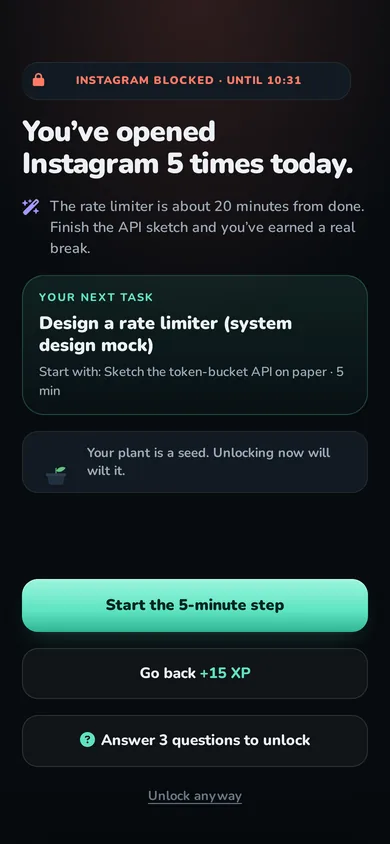
On Android, Anchor uses an accessibility service that notices when a blocked app comes to the front and shows the pause screen over it. It reads the app's name only, never what is on the screen. On iPhone, Anchor uses Apple's Screen Time: you pick apps in Apple's own picker and Anchor only receives anonymous tokens, not app names.
Does it work without internet?
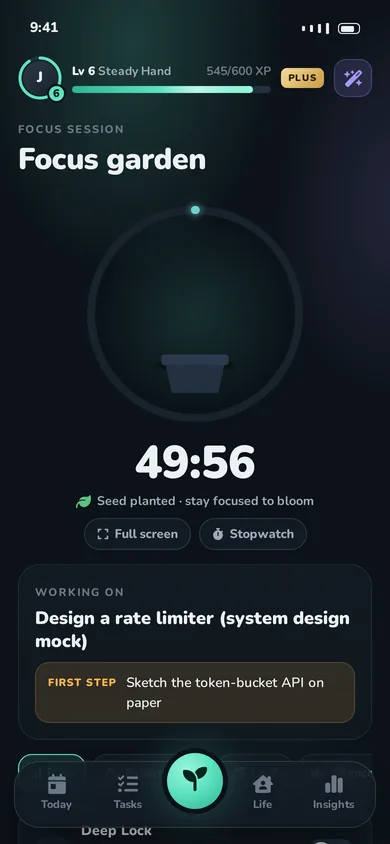
Yes. Blocking, alarms, the focus timer and your plan all run on the phone. Changes sync when you're back online.
Is it only for students?
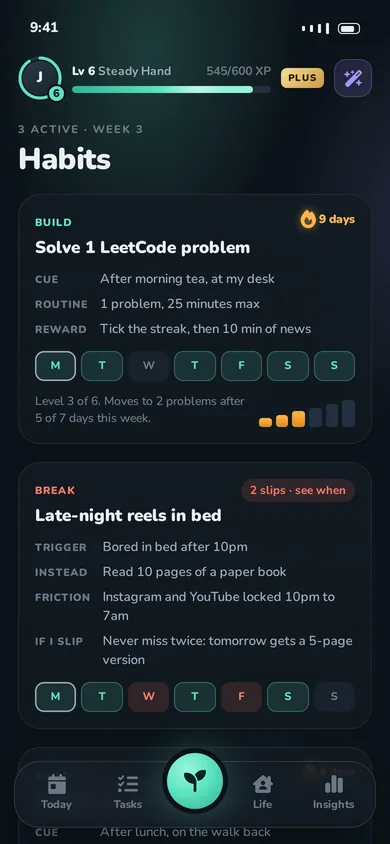
No. Anchor adapts to students (school, college, exam prep), working professionals (office, hybrid, remote, night shifts) and people doing both. The routine, goal ideas and life hub change with your role.
What does the AI do with my data?
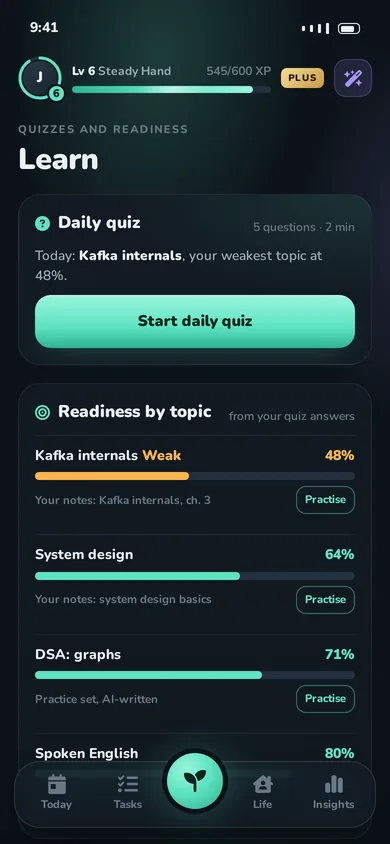
When you ask the coach something, or generate a quiz, your message and the context it needs (like your task titles and week plan) are sent to an AI provider to write the answer. Your screen time and the list of apps you block are never included. The privacy policy names the providers and what each receives.
Which languages does it support?
English and Hindi at launch, with a switch in the app. More Indian languages are planned.
Can I cancel Plus?
Any time, in Google Play or App Store subscriptions. The yearly plan starts with a 7-day free trial; cancel before it ends and you won't be charged.
 Anchor